PhotoCraft: open-source photoshop alternative (early alpha)
Aimed at Photoshop users
Early alpha
Last updated:
A Craft app published by storytold on GitHub.
What it can do
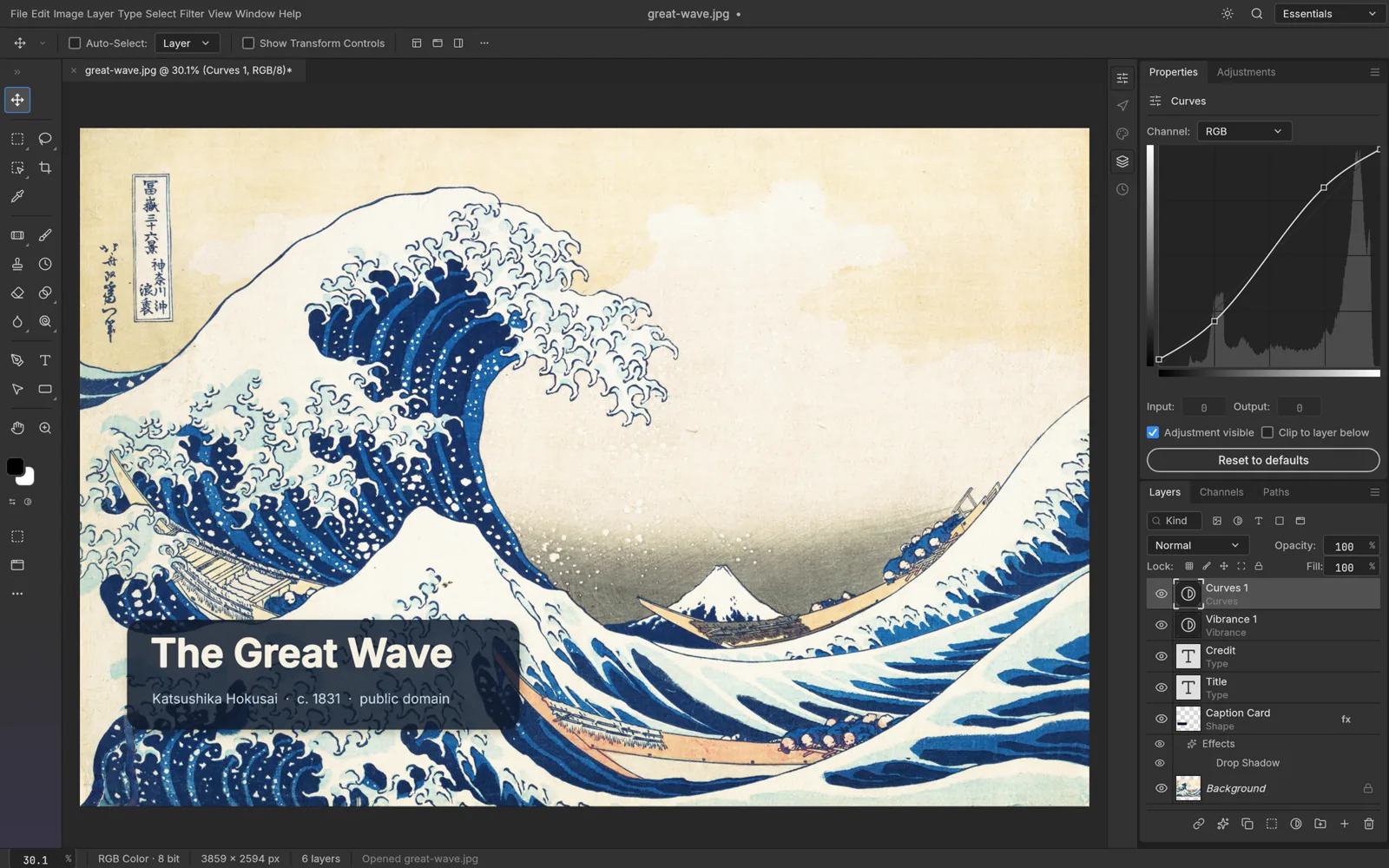
The developers describe a Rust image editor with layers, masks, type, and PSD / PSB read and write support.
Check file compatibility with a copy before editing original documents.
What is not ready
The maintainers call it early alpha, not a replacement for daily professional Photoshop work. AI, plug-in compatibility, typography, stability, and document exchange still have gaps. Format support does not guarantee every file will survive a round trip.
Download
PhotoCraft download: official files and installation
How to install
Choose the current package and follow the official installation instructions for your system. Signing and system requirements vary by app and release; check the actual file and any operating-system warning.
The official page lists these computers: macOS, Windows, Linux, Web. If that page says something else, trust the official page.
ArtCraft recommends its launcher when you want one place to install and update these apps.
Official links
Check the official app page for platform requirements and Releases for the latest files.
Stars ~53.3k
v0.10.0 · Updated Oct 19, 2026
Official GitHub pageCompared with Photoshop
See the full list of apps and the programs they line up with
Related guides
- PhotoCraft download: official files and installation
- Is PhotoCraft safe? Official sources and file verification
- PhotoCraft Linux: installation prerequisites and troubleshooting
- PhotoCraft PSD: opening, saving and compatibility checks
- PhotoCraft vs Photoshop: what it can do, and what is still missing
- PhotoCraft vs GIMP
- PhotoCraft in the browser: the official web build
Last updated:
Questions and answers
Is this the official site?
The official ArtCraft site is getartcraft.com. Find its app repositories under storytold on GitHub.
Are the Craft apps free?
The developers describe the Crafting Apps as free and open source. The 13 apps use MIT OR Apache-2.0 for code; bundled assets and branding have separate terms.
How can I check a download for safety?
Follow the PhotoCraft safety guide: identify the official repository, choose a release, compare SHA-256 and review scan results.
Source and safety checksWhich file formats are supported?
PSD / PSB and OpenRaster read and write; the developers haven’t announced XCF support.
Are similarly named products the same project?
Use the storytold repository and getartcraft.com apps page to identify this suite. Similar names do not establish a connection; Craft Docs is a separate product.